About the service
Everything Proprelay does, explained
This page is the public guide to Proprelay — what it is, who it serves, how transfers work, how access is structured, and what each plan includes. Share it with clients, co-owners, or anyone evaluating the platform.
What is Proprelay?
Proprelay is a property ownership platform for smart homes. It gives each property a secure hub for ownership records, controlled handoffs, role-based access, a dedicated email identity, and optional IoT connections.
Unlike a smart-home app that only lists devices, Proprelay is designed for the full lifecycle of a property — including the moments when ownership changes and access must be reassigned cleanly.
Every account starts with a property hub.
Properties & onboarding
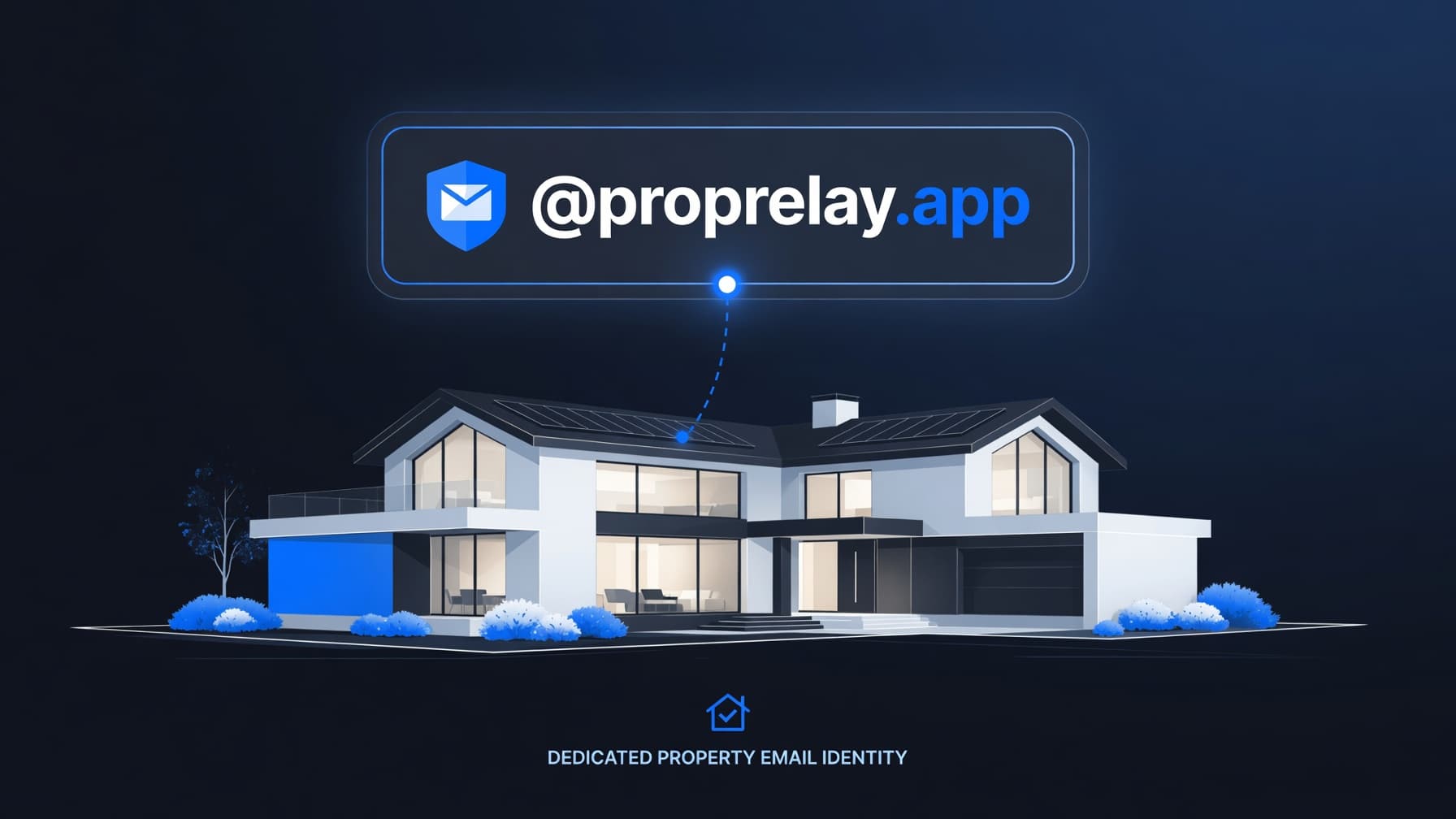
Add a property from your dashboard in under a minute. Each home receives a dedicated @proprelay.app alias, onboarding checklist, and access panel. Free includes one property; Portfolio removes the cap for managers and owners with larger portfolios.
A guided, paid workflow between existing accounts.
Ownership transfers
Transfers are intentional and traceable. The sender pays a one-time fee based on their plan ($200 on Free and Home, $99 on Portfolio). The recipient must already have a Proprelay account and must have room under their plan limit before accepting.
Share visibility without giving up ownership.
Access & collaboration
Invite managers or viewers by email from the property Access panel. Managers help run the home; viewers can monitor status. Only owners can transfer or delete a property.
Optional smart-home connections on Home and Portfolio.
IoT dashboard
Connect Home Assistant with a long-lived token, pair a Philips Hue bridge, or link Google for account-level integration. Device summaries appear on the property Devices panel. Tokens are encrypted at rest.
Property-scoped inbound identity.
Email forwarding
Set a forward-to address on the property page and enable forwarding. Aliases sync automatically. For reliable testing, send from an inbox different than your forward-to address.
Free, Home, and Portfolio — change anytime.
Plans & billing
Free covers one property without IoT. Home ($4.99/mo) adds the IoT dashboard for a single property. Portfolio ($150/mo) adds unlimited properties, IoT on every home, $99 transfers, and priority support. Manage upgrades from the subscription page.
Transfer workflow
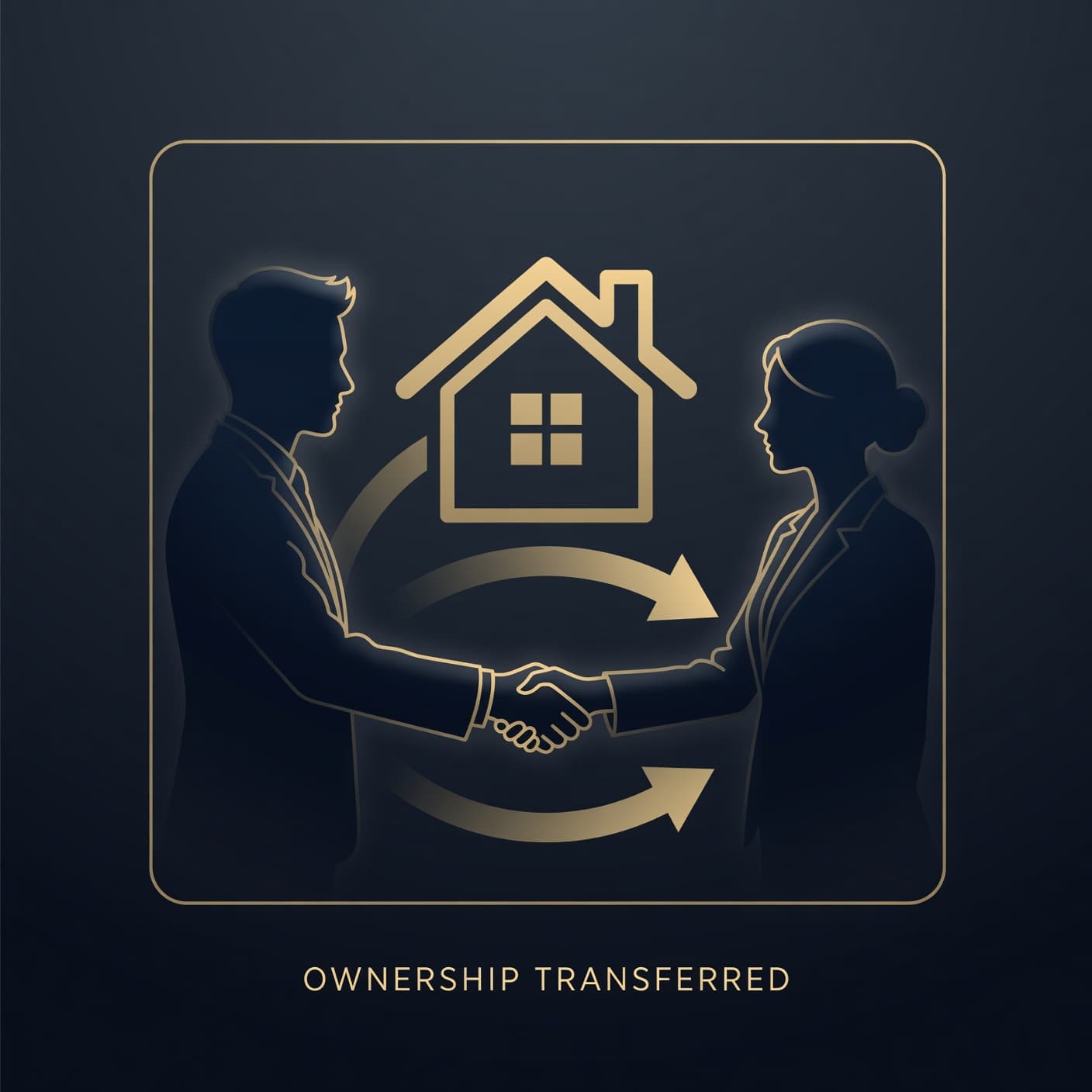
Every transfer is a relay — ownership passes from one account to another with a clear record, not a scramble of shared passwords and lost access.
Owner initiates
From the property page, the current owner enters the recipient’s email and confirms the transfer. A plan-based fee is collected through Stripe.
Recipient reviews
The recipient sees the pending transfer on their dashboard, reviews property details, and accepts or declines.
Handover summary
After acceptance, the new owner lands on a guided handover page summarizing connected services, access, and next steps.
Onboarding
The new owner completes property onboarding, updates forwarding, and reconnects integrations under their account.
Access roles
Owner
Transfer, delete, edit, invite access, connect devices, manage billing.
Manager
Edit property details, invite viewers, connect Home Assistant, Hue, and Google.
Viewer
View property information and device status without making changes.
Frequently asked questions
Do recipients need a Proprelay account before a transfer?
Yes. Transfers are sent to an email tied to an existing account. The recipient accepts from their dashboard after reviewing the property details.
What does each property email address do?
Every property gets a unique @proprelay.app alias you can forward to any inbox — useful for vendors, renters, automations, and a stable identity that survives ownership changes.
When do I need the Home or Portfolio plan?
Choose Home if you want the IoT dashboard for a single property. Choose Portfolio if you manage multiple homes, need unlimited properties, or want lower transfer fees.
Is smart-home connectivity required?
No. Proprelay is useful without IoT. Connect Home Assistant, Hue, or Google later when you want device visibility in the same place as ownership and access.
How is my integration data protected?
Home Assistant tokens, Hue bridge details, and Google OAuth tokens are encrypted at rest. Access to property data is enforced with role-based permissions and Supabase row-level security.
Start with one property, free
Create an account, add your first home, and upgrade only when you need IoT or multiple properties.
- No credit card to start
- Guided onboarding
- Full help center for operators